Office Christmas Party Games: A Ready-Made Plan for the Night
Office Christmas party games everyone joins, even the people who hate the spotlight. A ready-made plan for the whole evening with times, sample questions and a checklist of what to prepare.
 By Mateusz Stopinski 7 min read

In this article
The best office Christmas party games are the ones everyone can play from their seat: a quiz about your company, "Would You Rather?", a battle between departments and an awards vote to close the night. Nobody has to get up on stage, and the questions and scores show up on the big screen. Below is a ready-made plan for the whole evening with times, sample questions and a list of what to prepare.
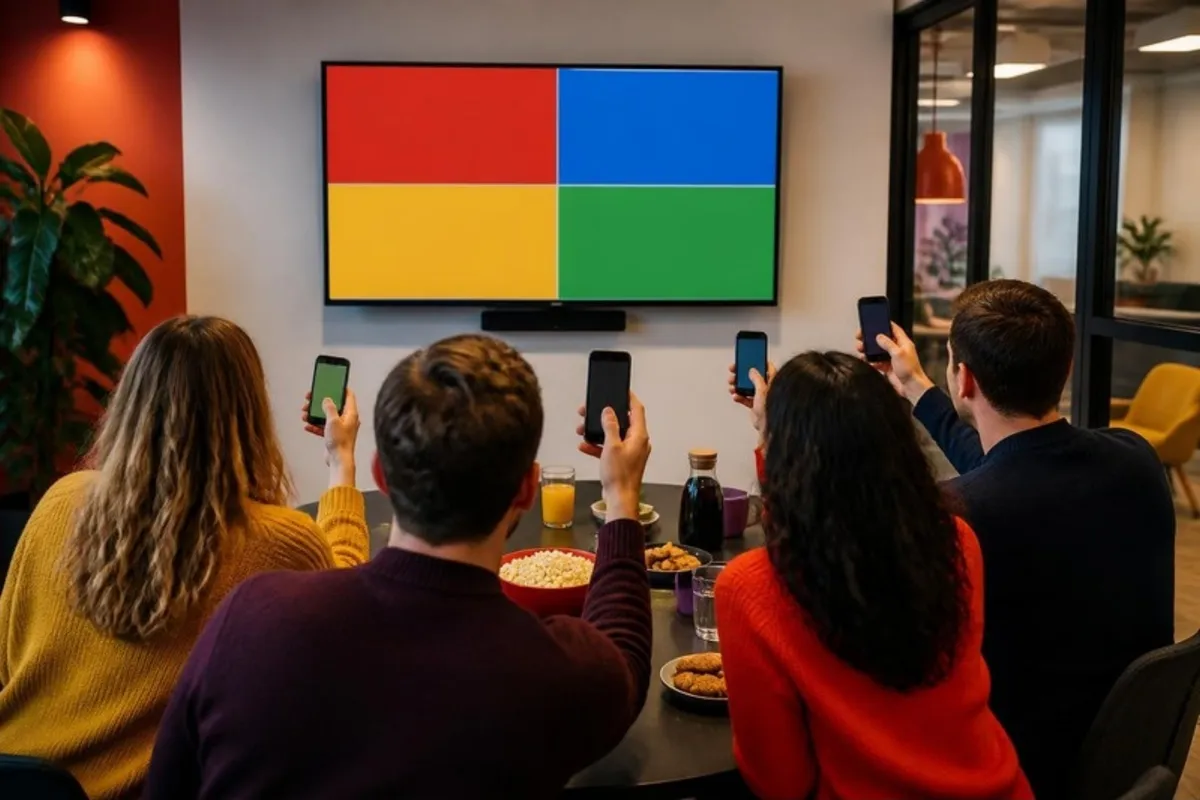
Classic party games with an MC have one weak spot: they need volunteers. It's usually the same few brave people who step up, while the rest of the room stares at their plates or their phones. When the game runs on phones, everyone answers from their chair, and the laughs come when the results hit the screen.
What office Christmas party games work best?
At a holiday party, most of the evening happens at the table, so the game has to fit that. The ones that work best:
- let everyone play from their seat, with no performing in front of the whole company,
- have short rounds of a few minutes, so they don't eat into dinner or conversation,
- split the room into teams by department or table, because a team rivalry pulls in even the quiet ones,
- ask about work and the company, not about private life, drinking or looks.
That's how the Company party pack in Hopsa works. Guests scan a QR code and play in their phone's browser, with no app to install and no accounts. A TV or projector shows the questions, answers and team rankings. It's free for up to 500 people, and you can put your company's logo and colors on the screen.
Office Christmas party games: an hour-by-hour plan
Here's an example for a party from 6 pm to about 11 pm. The games take about 45 minutes in total, split into four short blocks, which leaves plenty of time for dinner, toasts and dancing.
| Time | What's happening | Games | How long |
|---|---|---|---|
| 6:00 pm | guests arrive | "Would You Rather?", "True or False" | about 10 min |
| 6:30 pm | welcome speech and a toast | - | - |
| 7:00 pm | dinner | - | - |
| 8:00 pm | after dinner | company quiz, "How Many?" | about 8 min |
| 8:30 pm | team battle | "Who's More Likely: the bosses", "Who of us...?", "Room Survey" | about 20 min |
| 9:15 pm | grand finale | "Awards of the Night", podium and prizes | about 5 min |
| 9:30 pm | the rest of the night | music, dancing, conversation | - |
Shift the times to fit your party, but keep the order. A game at the start saves the first half hour, when people stand around with a drink and don't know who to talk to. The energy peaks after dinner, when everyone is seated. The awards close the official part and lead straight into the dancing.
The timings come from the default game settings: "Would You Rather?" has 12 questions with 12 seconds to answer, and the quiz has 10 questions with 20 seconds each. The host sets the pace. They move through the questions on their phone and can pause the game at any moment, for example when someone wants to raise a toast.
You can set up this whole program, with a quiz about your company and team rankings, in the Company party pack.
Welcome: "Would You Rather?" and "True or False"
In "Would You Rather?" you pick one of two options and score points for thinking like the majority of the room. A few questions from the Company party pack:
- a meeting that could have been an email, or an email that should have been a meeting?
- no more meetings ever, or no more emails ever?
- free coffee for your whole career, or free lunch every Friday?
- a 4-day working week, or working from anywhere in the world?
"True or False" is quick-fire trivia from the business world. For example: Nintendo started out in the 19th century making playing cards. That's true, the company was founded in Kyoto in 1889.
After dinner: the company quiz
This is the one part of the program you can't buy off the shelf, because it's about you. When you set up the event, you enter a few facts about your company, and Hopsa turns them into questions:
- What year was our company founded?
- Where was the company's first office?
- How did our company get started?
- How many projects did we complete this year?
You can gather the answers in 15 minutes. Usually one chat with the person who has been at the company the longest is enough. Questions about the early days are also a nice way for new hires to hear the stories the old-timers know by heart.
"How Many?" works well right after the quiz. You set a number on a slider, and the closest answer wins. An example from the pack: how many columns does an Excel worksheet have since Excel 2007? Answer: 16,384.
Team battle: departments instead of tables
Each team gets a card with its own QR code that you put on the table. Guests land straight in their team, and the screen shows the team rankings. This block has three games:
- "Who's More Likely: the bosses". When you set up the event, you enter two people, for example the CEO and the head of sales. They answer on their phones, and the room guesses what they picked: who replies to emails faster, who drinks more coffee in a day, who says "let's jump on a quick call" more often.
- "Who of us...?" is a vote for someone in the room: who will save the project 5 minutes before the deadline, who will fix the printer without calling IT.
- "Room Survey" works like a game show. First the whole room answers a few questions, then two teams guess the most common answers on the board. A question from the pack that fits the season: "What do people do at the company end-of-year party?"
Grand finale: awards for the year
"Awards of the Night" is a vote in a few categories, with a podium on the screen. You can't vote for yourself, and the pack only has positive awards: Mentor of the year, Newcomer of the year, Team spirit award, Excel wizard, Calm in the storm. Small prizes from the company, like a gift card, a book or a funny trophy, turn it into a good wrap-up of the year.
What questions should you avoid at an office party?
A holiday party brings together people from different departments and generations, and for some it's their first company party. That's why the Company party pack has no questions about private life, drinking or looks, and the game never pairs names in an awkward way. If you add your own questions, stick to the same rule. A question about work, the office or the past year makes everyone laugh. A question about who drank the most makes a few people laugh and puts everyone else in an awkward spot. Every vote can also be skipped, so nobody has to pick a coworker if they'd rather not.
What do you need on the day?
- a TV or projector and a laptop to open the game screen,
- a phone for the host, who can be someone from HR or whoever is organizing the party,
- internet for guests: the venue's Wi-Fi or mobile data,
- printed cards with QR codes for each table,
- small prizes for the finale.
Guests don't need to sign up. The game only stores the name each person types in and their answers, the servers are in the EU, and we delete the data automatically 30 days after the event. For a small team of up to 12 people, free phone games are enough, with no screen and no account.
If you're still working out the budget for the whole party, you don't need a spreadsheet of quotes: the company party cost calculator estimates the cost per person with food, drinks, music and transportation.
The bottom line: the easier it is to join, the more people play. A QR code on the table and questions about your own company are enough to get even the quietest department fighting for the podium. Set up a game for your office Christmas party.
Topics
Save this guide for later - with a graphic for your ideas board.
Save to PinterestFrequently asked questions
What are good office Christmas party games for large groups?
Games everyone plays from their seat on their own phone: a company quiz, "Would You Rather?" and an awards vote. The whole room sees the results on the screen, and Hopsa works for up to 500 people.
How do you run office party games without an MC?
All you need is a screen, a laptop and the host's phone. The game shows the questions, keeps score and announces the winners, while the host just moves on to the next round.
How much time should games take at an office holiday party?
About 45 minutes in four short blocks: welcome, after dinner, team battle and finale. Any longer and the games start eating into conversation and dancing.
Do office party games cost anything?
No. Hopsa is free for up to 500 people, with every game and your company logo on the screen.
Do employees need to install an app?
No. They scan a QR code and play in their phone's browser, with no accounts and no personal details beyond a name.